


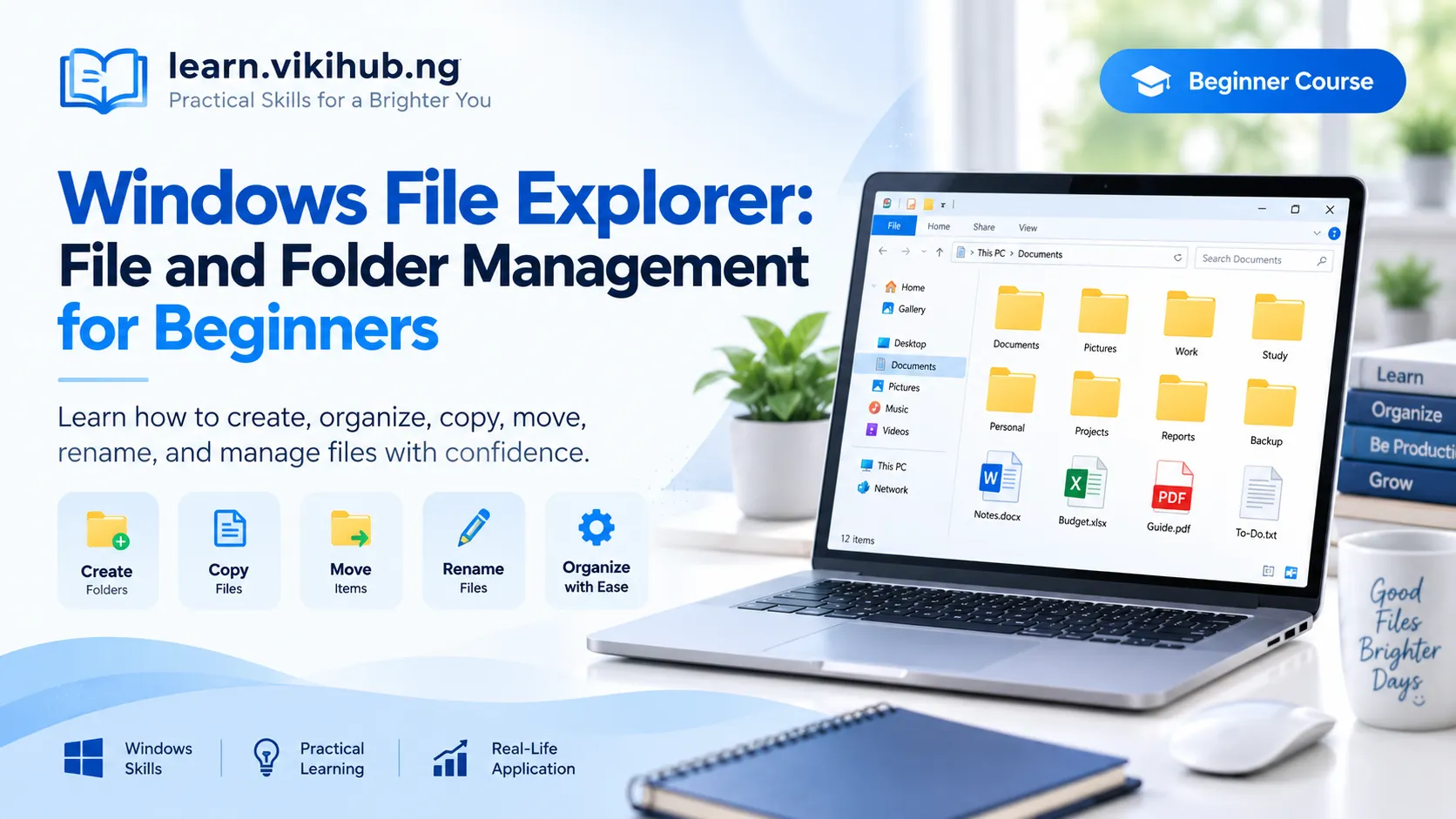
About Course
Learn how to organise your work on a Windows computer using File Explorer.
This practical beginner course teaches you how to open File Explorer, navigate between folders, create and rename folders, copy and move items, search for items, and restore deleted items.
You will practise inside your own training folder. No previous knowledge of Notepad or other applications is required.
Course Content
Topic 1: Getting Started
-
Lesson 1: Welcome and Practice Rules
-
Lesson 2: What Are Files, Folders, and File Explorer?
Topic 2: Finding Your Way Around
Topic 3: Creating and Organising Folders
Topic 4: Copying and Moving
Topic 5: Searching, Deleting, and Restoring
Topic 6: Independent Practice
Student Ratings & Reviews

No Review Yet