


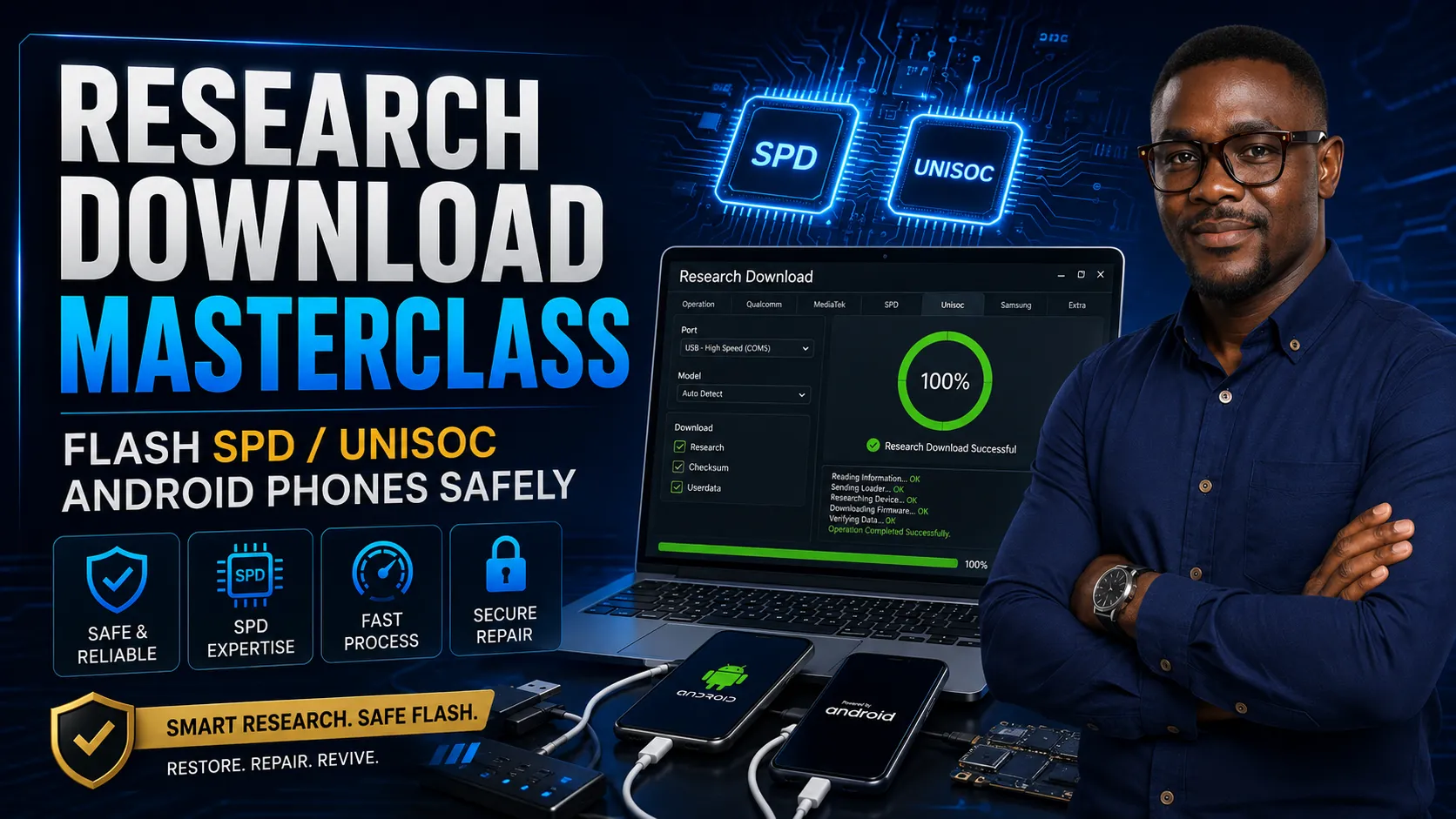
Research Download Masterclass: Flash SPD / Unisoc Android Phones Safely

By admin Categories: Phone Flashing
Wishlist Share

About Course

Learn how to use Research Download and Upgrade Download tools to flash SPD/Unisoc Android phones, install PAC firmware, fix bootloop, remove software faults, and avoid common flashing mistakes.

What Will You Learn?

  • By the end of this course, students will learn how to:
  • Understand what Research Download is used for
  • Identify SPD/Unisoc Android phones
  • Install SPD/Unisoc USB drivers
  • Understand PAC firmware files
  • Load PAC firmware into Research Download
  • Use Upgrade Download tool
  • Flash SPD/Unisoc Android phones safely
  • Fix bootloop and hanging-on-logo issues
  • Handle phones stuck after failed software update
  • Understand common flashing errors
  • Avoid wrong firmware mistakes
  • Test phones properly after flashing
  • Handle customer phones professionally

Course Content

Module 1: Introduction to SPD / Unisoc Flashing

  • What Is SPD / Unisoc?
  • What Is Research Download?
  • Lesson 3: Problems Research Download Can Help Fix

Module 2: Tools and Driver Setup

Module 3: Understanding PAC Firmware

Module 4: Research Download Interface

Module 5: Practical SPD / Unisoc Flashing

Module 6: Common Research Download Problems

Lesson 15: PAC File Not Loading
Lesson Description: This lesson helps students troubleshoot firmware loading problems. Possible Causes: Corrupted firmware file Incomplete download Wrong file format Unsupported PAC file Tool version too old File stored in a problematic folder path Antivirus interfering with files Possible Solutions: Re-download firmware Extract the firmware properly Use another tool version Move file to a simple folder path Check that the file extension is truly .pac Avoid editing the firmware file unnecessarily

Module 7: Technician Safety and Professional Practice

Student Ratings & Reviews

No Review Yet
No Review Yet